Archive for the ‘Consoles & Handhelds’ Category

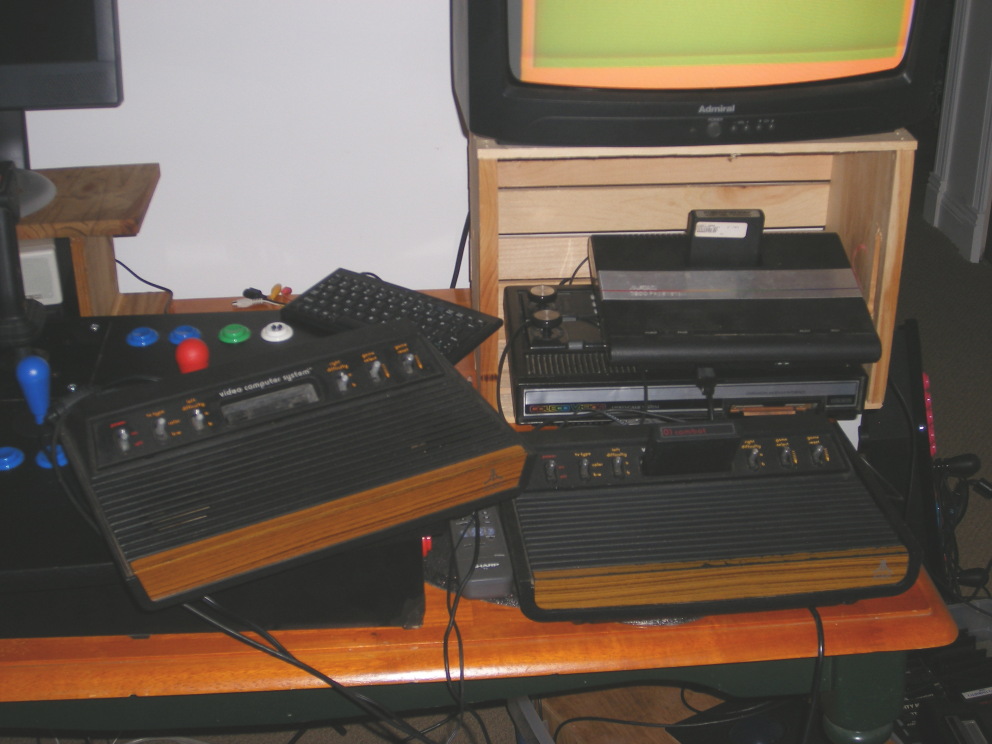
I am now the proud owner of a Heavy Sixer Atari 2600. The SN is 45008K. For description of the heavy, go here. Didn’t come with controllers or the original grey power supply. It did come with the original Combat cartridge and a 2nd generation power supply.

A little beat up, but it seems to work fine. I did have to repair the AC plug. The other thing I noticed is that quite a bit of force is needed to get the controller to plug in. In the picture below, my light sixer is on the left, the heavy on the right. I have owned that light sixer since 1979.
A company called Marware that makes cases and covers for iPods and other iDevices by Apple recently announced a new accessory called: The Game Grip.

The Game Grip is designed for 3G iPhones and the iPod Touch. As you can see in the photo it basically a large rubberized grip with a snug spot for the phone or iPod. When playing any of the new horizontally driving games this could be a handy asset to the gaming experience though it might look a little funny sticking out of your pocket on the tram ride to work. The Game Grip boasts a host of features including:

  • Cord management system
  • Headphones/ear bud port
  • Charge while playing
  • Silicone sleeves for use with the grip doubles as protection for the iDevice when not gaming
  • Provides convenient, radically comfortable access to full face of touch or iPhone

See more at the Marware site.

A couple of nights ago I figured out how to create my own soundtrack for Burnout Paradise. Burnout Paradise allows you to choose a playlist directly from the PS3 as your custom soundtrack. You can find this in game by pressing the right digital pad and then scrolling down to [Soundtrack]. In order to get the populated playlist on your PS3, you’ll either have to rip the music CDs directly to your PS3 or you can copy a bunch of music via USB memory stick. To do this you need to be in the main menu of your PS3 under the “Music” section. You choose the USB stick then click the (/\) triangle button and then choose copy. All of the options for copying your music then appear. You can then create a playlist after you’ve copied your music over. The trick is that you need to have your memory stick formatted Fat32 and the music files must be in a folder on that stick. I created a folder called Music on my memory stick and dumped everything I wanted in.

I now have a James Bond playlist for use in Burnout Paradise.

That’s right! GridCycle has a store! Get your beer mug on here.

Today you get 14.92% off too! Just use the code: COLUMBUS2008

But if you’re ultra thrifty like me and spend more than $40 you can use the code ELECTIONRACE for a full 15% off.

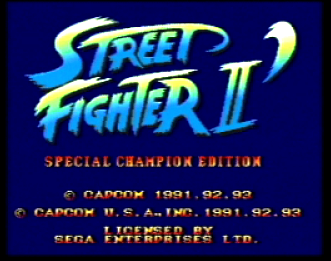
In 1993 Capcom and Sega released their first Street Fighter title to the Sega Genesis: Street Fighter II: Special Championship Edition! For you Sega buffs or you Fighting Game nuts, it’s now available for download on the Wii Virtual Console!

The Street Fighter series can be considered one of the first fighting games to popularize competitive video-game fighting. This version of the game contains both the CHAMPION and HYPER rule sets, from the two editions released in the arcades. It also introduced an exclusive Group Battle mode that is now a general feature in most fighting games. Play as one of twelve different characters, each with their own distinctive fighting style, either fight in single-player mode or challenge a friend in this legendary classic fighting game. ~Wii Virtual Console Website